Campsite Wi-Fi: How to Cover a Large Outdoor Area
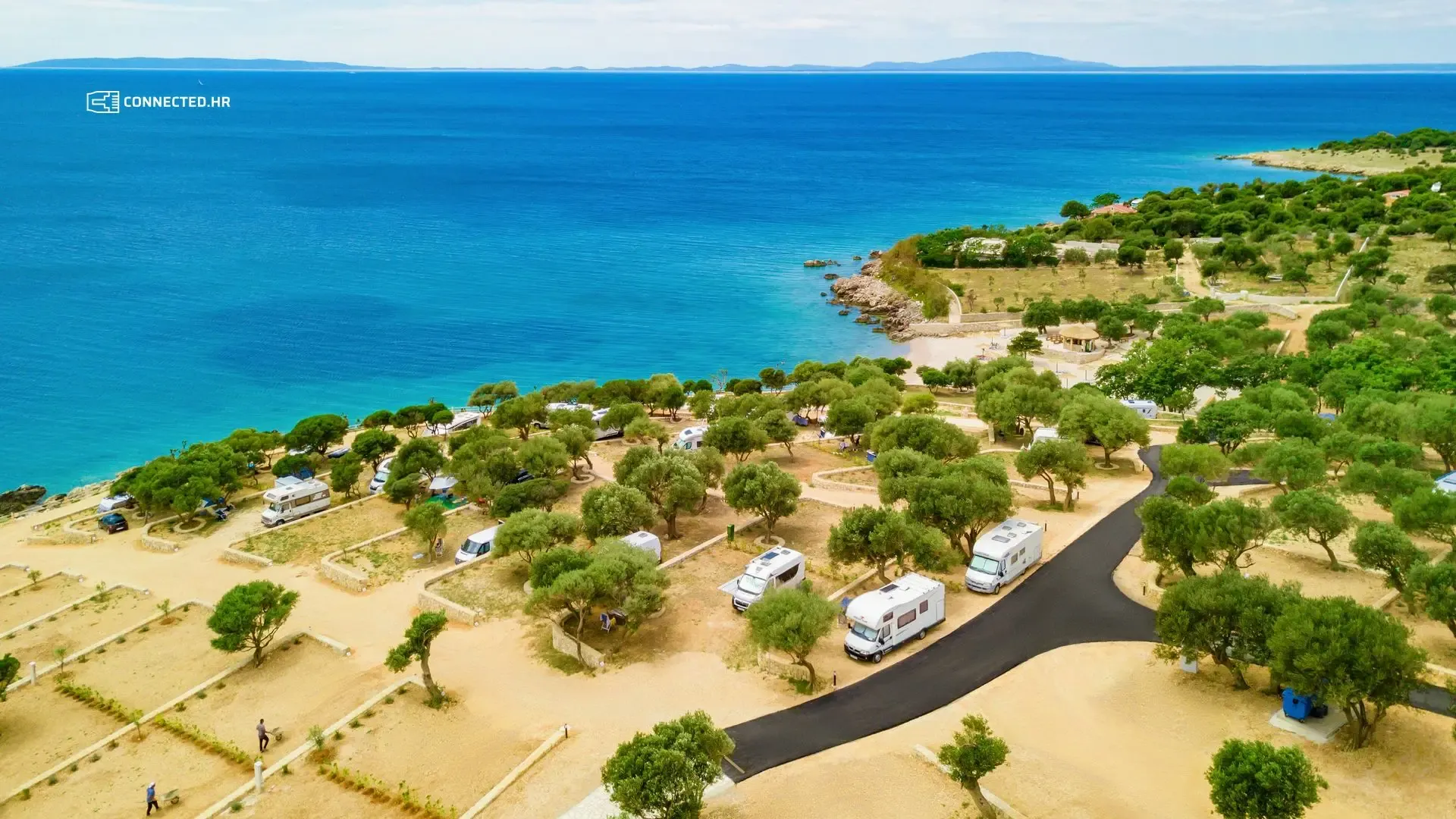
A campsite is not a hotel with corridors and walls. Pitches stretch across hectares, olive and pine trees stand between them, and guests sit in motorhomes and caravans made of metal and fiberglass. In peak season, hundreds of devices want internet at the same time, from phones on the beach to TVs inside motorhomes.
That is why campsite Wi-Fi has to be planned differently from Wi-Fi in a building. In this post, we explain what matters and where things most often go wrong.
Why is a campsite so demanding?
- Large area: the signal weakens with distance, and pitches are often hundreds of meters from reception.
- Trees: leaves, especially wet ones, weaken the Wi-Fi signal, more so at 5 GHz than at 2.4 GHz. This is well documented: the International Telecommunication Union describes signal loss in vegetation in its recommendation ITU-R P.833. The olive and pine trees that give guests shade also weaken the signal.
- Motorhomes and caravans: metal bodies and tinted windows keep the signal outside. A guest in front of the motorhome has a signal; inside, it is gone.
- Peak-season density: in August, the same area holds many times more devices than in June, and they all want to stream video.
More access points, not one stronger antenna
A common mistake is a single powerful antenna on the reception roof. Guests see the network on their phones, but the connection does not work. The reason is simple: Wi-Fi is a two-way connection. A strong antenna “shouts” far enough to reach the phone, but the phone has a weak transmitter and cannot “shout” back.
A better solution is several lower-power access points, placed so that every part of the campsite has one nearby. Each covers its own area and serves fewer devices, so every guest gets more speed.
Equipment for the outdoors
- Outdoor access points must withstand sun, rain, dust and salt spray. The protection rating (IP) tells you how well.
- They are mounted on poles or buildings, high enough for the signal to clear motorhomes and vehicles, but not above the tree canopy if the pitches lie beneath it.
- They are powered over the network cable (PoE), so no outlet is needed next to them.
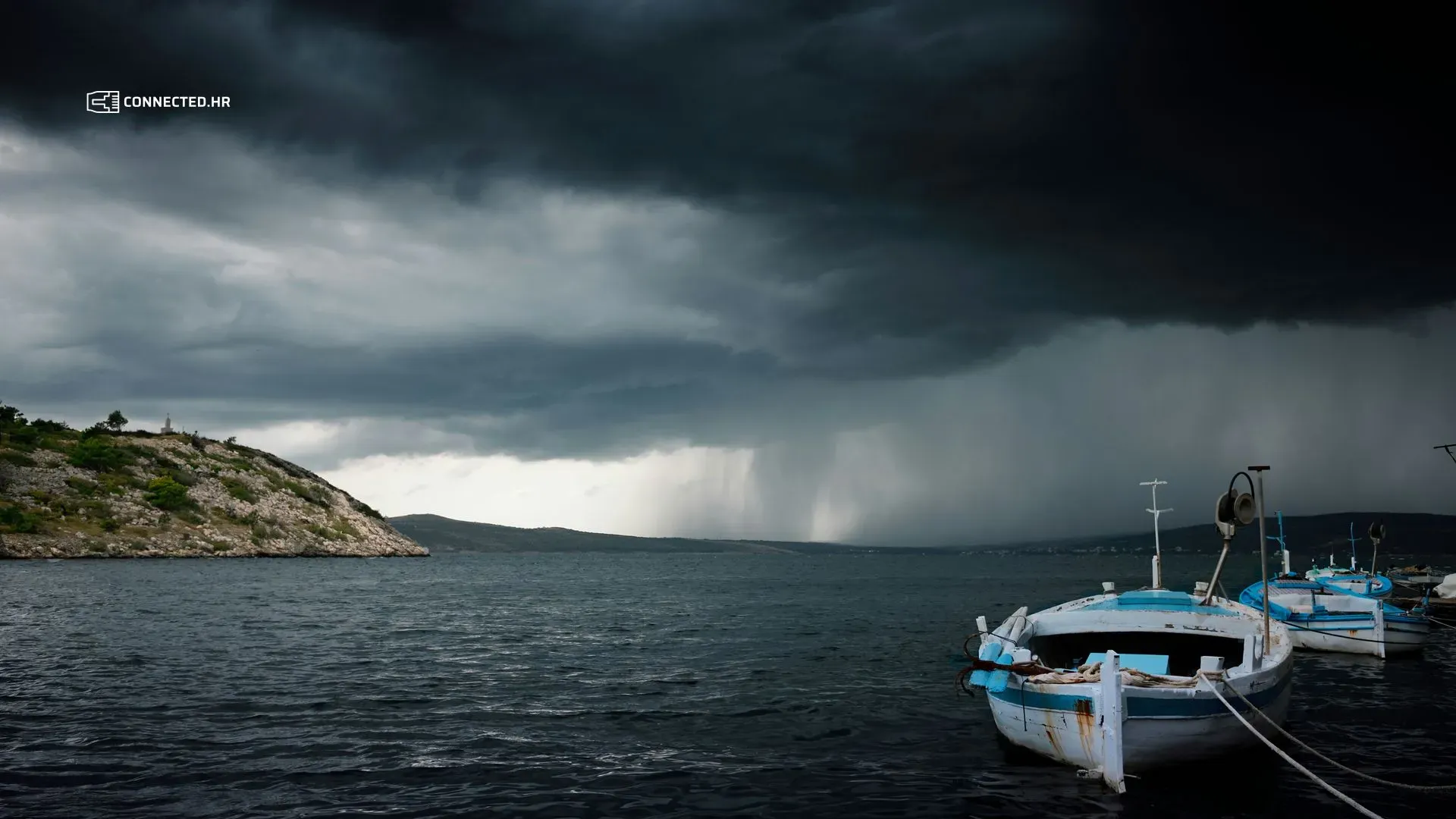
- Outdoor mounts and cables need grounding and surge protection. See Summer Storms and Power Cuts: How to Protect Your Network Equipment.
How to connect the access points?
Every access point needs a link to the rest of the network. There are three ways:
Network cable
- The most reliable and fastest link, and it delivers power too.
- A single network cable run can be at most 100 m long.
- It is best laid when work is being done at the campsite anyway, for example alongside water or power lines to the pitches.
Fiber-optic cable
- For longer distances and links between buildings or distribution cabinets across the campsite.
- It does not conduct electricity, so a surge in one part of the campsite cannot travel to another.
Wireless link
- Directional wireless links (point-to-point) bridge places a cable cannot reach, for example across a road or a cove.
- Mesh systems connect access points wirelessly and are quick to set up. Every wireless “hop” reduces the available speed, so they need careful planning. At a smaller campsite, they can be the whole solution; at a large one, they are combined with cable.
Moving around without dropping the connection
A guest walking from the pitch to the beach with a phone should stay connected. That is why all access points share one network name and are managed centrally, so a device switches to the nearest one on its own. The same central management also spreads the load evenly.
Capacity and order on the network
- A per-device speed limit keeps one guest from taking over the whole connection.
- Guest isolation means guest devices cannot see one another.
- A separate network for reception, the cash register and cameras. We explain why in Guest Wi-Fi and Business Network: Why They Must Be Separate.
- A fast enough internet connection: even the best Wi-Fi cannot give guests more than what comes in from the provider.
From practice: Camp Vala in Orebić
Camp Vala had fast and stable internet, yet guests kept complaining about slow connections. The problem was Wi-Fi coverage across the camp’s 1.5 ha. After a mesh solution was installed, 90% of the full speed was measured even in the farthest part of the camp, and guests have not complained about slow internet since. Read the owner’s own words in our testimonials.
We can help
We will survey your campsite, measure the coverage and propose a solution that fits your layout and your budget. The work is best done in the off-season, when the campsite is not full. With proactive maintenance, we continuously monitor every access point, so we spot overloads and failures in time.
For a quote, tell us about your campsite in a short questionnaire and you will hear from us within 2 business days.