Fast Internet, but Guests Complain About the Wi-Fi: Where Is the Problem?
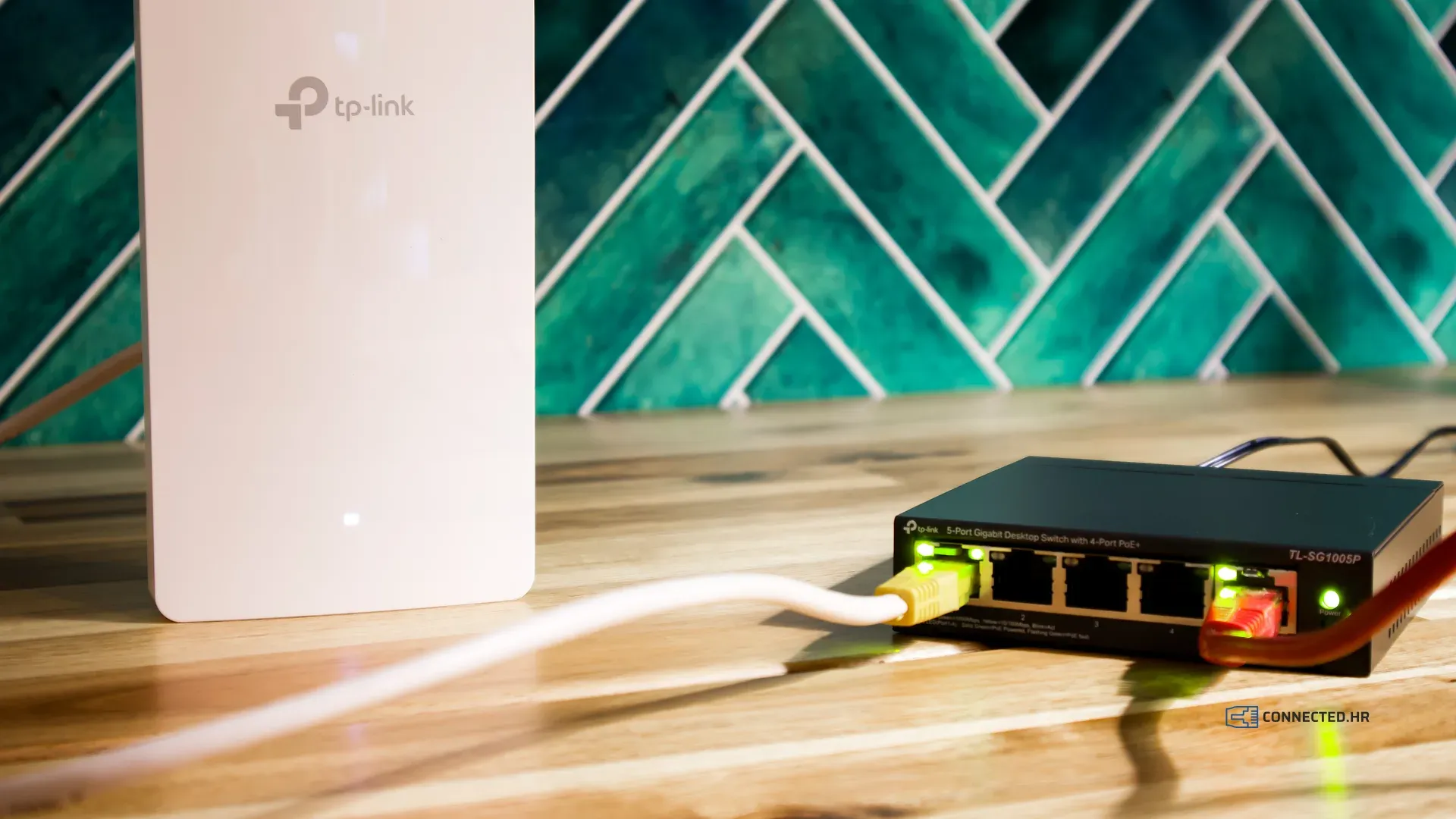
The provider installed a fast line, a speed test next to the router shows full speed, and yet the reviews still say “the Wi-Fi is weak”. The owner pays for a faster plan, and the complaints stay the same.
The reason is almost always the same: your internet connection and your Wi-Fi are not the same thing. In this post we explain where the speed gets lost and how to check it.
Internet connection and Wi-Fi are not the same
The internet connection is what your provider brings to your property. Wi-Fi is the wireless network that carries that connection from the router to your guests’ phones, laptops and TVs.
Think of water: if the main in the street is fine but the pipes in the house are old and narrow, the upstairs bathroom still gets a weak trickle. A faster plan from the provider does not help, because the problem is inside the property.
The most common causes
One router for the whole property
- The router the provider installed next to the connection covers the room it sits in and perhaps the one next to it.
- Stone walls, reinforced concrete and floor slabs weaken the signal a lot. In a stone house or an apartment over several floors, the far rooms are left with almost no signal.
- Terraces, pools and gardens are usually out of range, and that is exactly where guests use their phones the most.
A router in a cabinet, behind the TV or in a utility room
- Every obstacle between the router and the guest takes away part of the signal.
- Metal cabinets and distribution boxes are a particularly bad spot.
- A router in a corner of the building sends a large part of its signal to the neighbors or into the street.
Wi-Fi extenders
- A cheap extender (repeater) receives and transmits on the same channel, so it often halves the available speed.
- Placed too far from the router, it gives guests full bars on their phone but a slow connection.
- Each extender has its own network name, so a guest’s phone does not switch to the nearer device on its own.
Too many devices in one place
- In season, every guest brings several devices, and in a hotel or campsite that means dozens or hundreds at the same time.
- A home router is not built for that many simultaneous users.
- Without a per-device limit, one guest downloading large files slows everyone else down.
Crowded channels
- In tourist towns every apartment has its own router, so neighboring networks interfere with each other.
- The 2.4 GHz band has few non-overlapping channels, so this congestion hits it the hardest.
- The 5 GHz band has more room but passes through walls less well, so it needs more devices to cover the same area.
Old equipment
- A router that is eight or ten years old does not support the newer Wi-Fi standards your guests’ phones have.
- Old equipment often no longer receives security updates.
- Read more about the differences between the standards in our post Wireless Networks: A Revolution in Connectivity.
How to find out where the problem is
For a first check you need no special equipment, just a phone and any speed test app.
- Measure the speed next to the router. If it is slow there too, the problem is the line or the router itself. Contact your provider.
- Measure the speed where guests spend their time: in the farthest room, on the terrace, by the pool. If it is much slower there than next to the router, the problem is coverage.
- Repeat the test in the evening in peak season, when all guests are in. If it is fast during the day but slow in the evening, the problem is capacity: too many devices for the current equipment, or a connection too slow for that many guests.
Write the results down by location and time. Such a list helps both you and us find the cause quickly.
What a good solution looks like
- Several access points instead of one stronger router, placed so that every part of the property has one nearby.
- Cabled connections wherever possible. Where a cable cannot go, a mesh system links the access points wirelessly.
- One network name for the whole property and central management, so a guest’s phone switches to the nearest access point on its own.
- A per-device speed limit, so that one guest cannot take the whole connection.
- A guest network separate from the business network. We explained why this matters in our post Guest Wi-Fi and Business Network: Why They Must Be Separate.
Campsites and large outdoor areas have extra rules, which we covered in Campsite Wi-Fi: How to Cover a Large Outdoor Area.
From practice: Camp Vala in Orebić
Camp Vala had fast and stable internet, yet guests kept complaining about slow connections. The problem was Wi-Fi coverage across the camp’s 1.5 ha. After a mesh solution was installed, 90% of the full speed was measured even in the farthest part of the camp, and guests have not complained about slow internet since. Read the owner’s own words in our testimonials.
We can help
We will measure the coverage at your property, find where the speed gets lost and propose a solution that fits your layout and your budget. The work is best done in the off-season, with a final check before the season using our checklist. With proactive maintenance, we continuously monitor the network, so we often spot a problem before a guest complains.
For a quote, tell us about your property in a short questionnaire and you will hear from us within 2 business days.