Preparing Your Network for the Season: A Checklist for Tourism Businesses
When the last guests leave, most owners of hotels, campsites and holiday apartments on Pelješac and Korčula can finally breathe. Yet the off-season months are the best time to prepare your network. A fault you find now can be fixed calmly, with no guests waiting. The same fault in August costs you time, nerves and quite often a bad review.
This checklist shows what to check before the new season. Some of it you can do yourself; for the rest, it pays to have an expert.
Why in the off-season and not in May?
- In spring everyone prepares at the same time, so technicians and equipment are harder to get.
- Work on cables and equipment is easier in an empty property.
- If equipment needs replacing, there is enough time to order, install and test it.
- You can check every change before the first guests arrive.
1. Equipment and access list
The first step sounds simple, but many skip it: write down everything that is on your network.
- the router and the provider’s modem
- switches and where they are
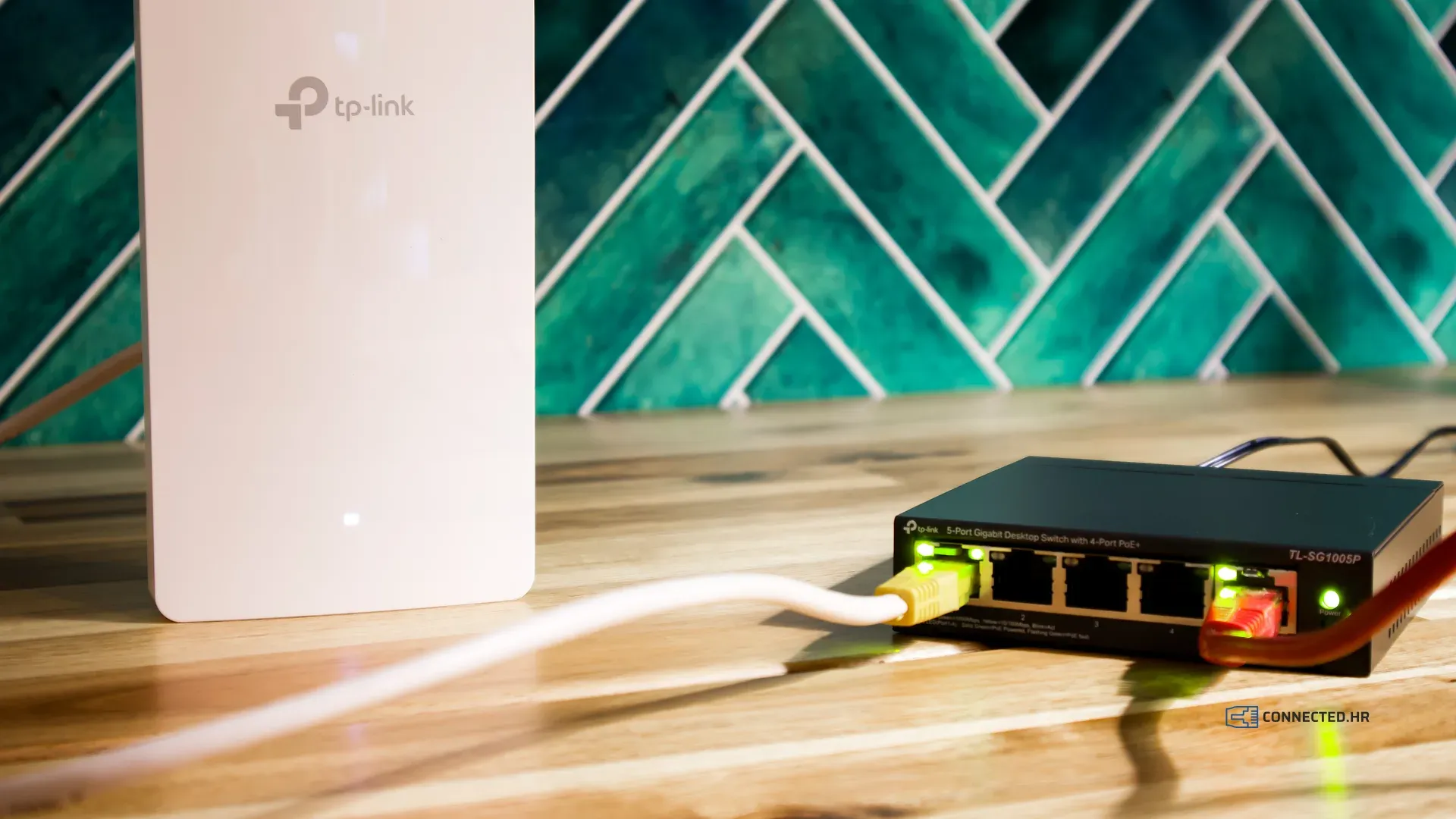
- Wi-Fi access points, indoor and outdoor
- cameras and the video recorder, cash register, card terminals and smart devices
- who has the admin passwords and where they are written down
When something stops working in the middle of the season, this list saves hours of searching.
2. Updates and equipment lifespan
Manufacturers regularly release firmware updates that fix bugs and security flaws. Check that your equipment runs the latest version.
Also check that your equipment is still supported. A device that no longer receives security updates may keep working for years, but it becomes more and more vulnerable. If such a device is critical to your business, plan its replacement now rather than hunting for one during the season.
3. Passwords and access
- Change admin passwords that are still the factory default or known to too many people.
- Remove access for former employees and outside contractors.
- Set a new password for the guest network.
- Check that your networks use modern encryption (WPA2 or WPA3).
4. Wi-Fi coverage
Internet speed and Wi-Fi coverage are not the same thing. A fast connection does not help a guest in the farthest room if a good signal does not reach it. We explain how wireless networks work in Wireless Networks: A Revolution in Connectivity.
Walk through the property with a phone or laptop and measure the signal and speed where guests actually spend their time: in the rooms, on the terraces, by the pool, in the restaurant and on the farthest pitches of the campsite. Write down the results so you can compare them next year.
If it is fast next to the router but slow in the rooms, we describe the most common causes and fixes in Fast Internet, but Guests Complain About the Wi-Fi: Where Is the Problem?
Also watch for changes made over the winter. New walls, refurbished rooms, new furniture or extra units can change the coverage considerably.
5. Outdoor equipment, cables and cabinets
Sun, salt, humidity and winter storms leave their mark on outdoor equipment.
- Inspect outdoor access points and antennas: are they firmly mounted and undamaged?
- Check outdoor cables and connectors: any cracks, corrosion or signs of moisture?
- Network cabinets should be closed, clean and ventilated. Dust and heat shorten the life of equipment.
6. Power and UPS
Short power cuts are not rare, especially during summer thunderstorms. An uninterruptible power supply (UPS) protects the network from sudden shutdowns, but only if its battery still works. UPS batteries lose capacity over time and need to be replaced now and then. Test the UPS before the season, not when the power goes out.
7. Internet connection and backup line
Compare the measured speed with the one you pay your provider for, and check whether your plan matches the number of guests you expect.
If your business cannot work without the internet (bookings, guest check-in, card payments), consider a backup line: a second provider, a mobile network or Starlink. With the right equipment, the switch to the backup line happens automatically.
8. Guest network separate from the business network
Guests, the cash register, the reception computer and the cameras should not share one network. If they do, any guest’s device can reach your business data. We cover this in Guest Wi-Fi and Business Network: Why They Must Be Separate.
9. Configuration backups
After every change, save backups of the settings of your router, switches and access points. If a device fails, a replacement can then be set up in minutes instead of hours.
10. A plan for outages
Agree in advance who reports a problem when something stops working, and to whom. The number for technical support should be at hand for everyone who works at reception, not just the owner.
What can you do yourself, and what should you leave to an expert?
The equipment list, the walk-through with a phone, the new guest password and the UPS test are things you can do yourself. Updates, network separation, a backup line and coverage measurements in larger properties require know-how and the right tools. A mistake in the settings can leave the property without internet, so these jobs are better left to an expert.
Let us take care of it
Preventive maintenance before the season is part of our proactive maintenance, together with continuous monitoring of network devices and security checks all year round. That way, problems do not wait for the season to show up.
Tell us about your property in a short questionnaire and you will receive a quote within 2 business days.