Guest Wi-Fi and Business Network: Why They Must Be Separate

The Wi-Fi password stuck on the fridge and one network for everything: guests, reception, the cash register, the cameras and the smart TV in the lobby. Networks like this are common in tourism, and not only in small holiday apartments.
It works, until something goes wrong. And by then it is usually too late.
What can happen on a shared network?
Every device that joins your network can “see” the other devices on it. The guest does not even need bad intentions. A phone or laptop with malware that scans the network for vulnerable devices is enough.
- The reception computer, with guest data, bookings and invoices, is reachable from every device on the network.
- Shared folders and printers often have no protection at all, because they are “on the internal network anyway”.
- Cameras and the video recorder have a web interface that is open to anyone if the factory password was never changed.
- The router’s admin page can be reached from the network, and with it every setting.
- Guests see each other: other people’s TVs, speakers and screen-sharing devices.
There is a practical problem too. When several guests stream video or download large files at the same time, the card terminal and the booking system share the same connection with them. The result: payments that stall just when the line at reception is longest.
The solution: separate networks for separate purposes
The solution is called network segmentation. The network is split into several separate networks (VLANs), each with its own purpose and rules. Devices on one network cannot reach devices on another unless you explicitly allow it.
A typical setup for a hotel, campsite or apartment complex looks like this:
Guest network
- Internet access only, with no access to anything on the property.
- Guest devices are isolated from each other, so they cannot see one another.
- A per-device speed limit keeps one guest from taking over the whole connection.
- The password can be changed without affecting the rest of the network.
Business network
- Reception and office computers, printers and shared folders.
- A password known only to staff, not to guests.
Payments and card terminals
- The cash register and card terminals on their own network, with priority for their traffic.
- Payments keep working even when the guest network is at its busiest.
Cameras and video surveillance
- Cameras and the video recorder kept apart from the rest of the network, with no direct access from the internet.
- Access to recordings for authorized people only.
Smart devices
- Smart locks, thermostats, TVs and other devices that are rarely updated.
- On a separate network, they cannot become a way into your business data.
Each network can have its own Wi-Fi name, but it does not have to. Your staff, for example, do not even need to know that the card terminal is on a separate network.
Why it matters legally, too
Reception handles guests’ personal data: names, ID document numbers, contact details and payment details. The General Data Protection Regulation (GDPR) expects you to protect this data with appropriate technical measures. A network shared with guests can hardly count as one.
The same goes for card payments. The Payment Card Industry Data Security Standard (PCI DSS) recommends separating payment systems from the rest of the network, because this reduces the number of systems that need to be protected.
How to check whether your network is separated
You can run a simple test yourself, on your own network:
- Connect a phone or laptop to the guest network, just like a guest would.
- In the Wi-Fi connection details, find the router address (gateway) and open it in a browser.
- Look for printers, shared folders or other devices on the network.
If the router login page opens or you can see any business device, your guest network is not separated. The test does not reveal every weakness, but it does show the most common ones.
Do you need new equipment?
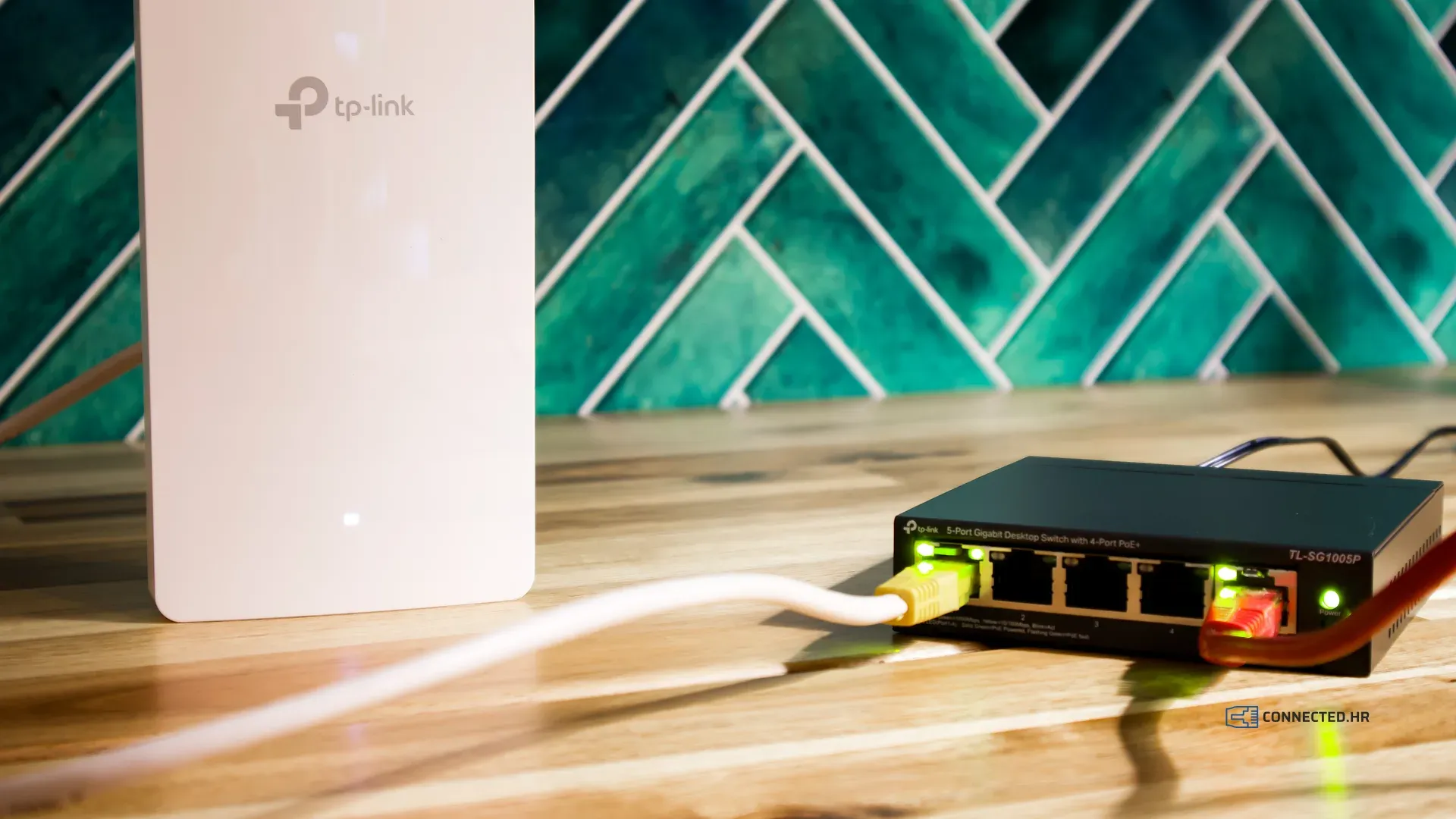
Not necessarily. Many home routers offer a “guest network” option, but it usually provides only basic separation, with no speed limits and no separate networks for cameras or payments. A full setup needs business-grade network equipment that supports VLANs. You may already have it, just not set up this way.
That is why it pays to review your existing network before buying anything. Often a change of settings is enough, and sometimes one extra device.
We can help
We will review your network, propose a setup that fits your property and configure it in the off-season, when it disturbs no one. With proactive maintenance, we also check your network security regularly, all year round.
If you are getting your network ready for the new season, see our pre-season network checklist as well. For a quote, tell us about your property in a short questionnaire and you will hear from us within 2 business days.